I wanted a small display to constantly test my vocab as I’m learning dutch. I also figured it would be a good way to learn the basics of how to setup a server. The source code is available here.
Display
The display is made from 3 main components; an LCD, an ESP32, and 2 buttons. The ESP requests a word from a server and then displays either the dutch or the english on the LCD. I can press the blue button to display the translation, and if I get it right I can then press the green button and the ESP will notify the server which keeps track of the all the successes.
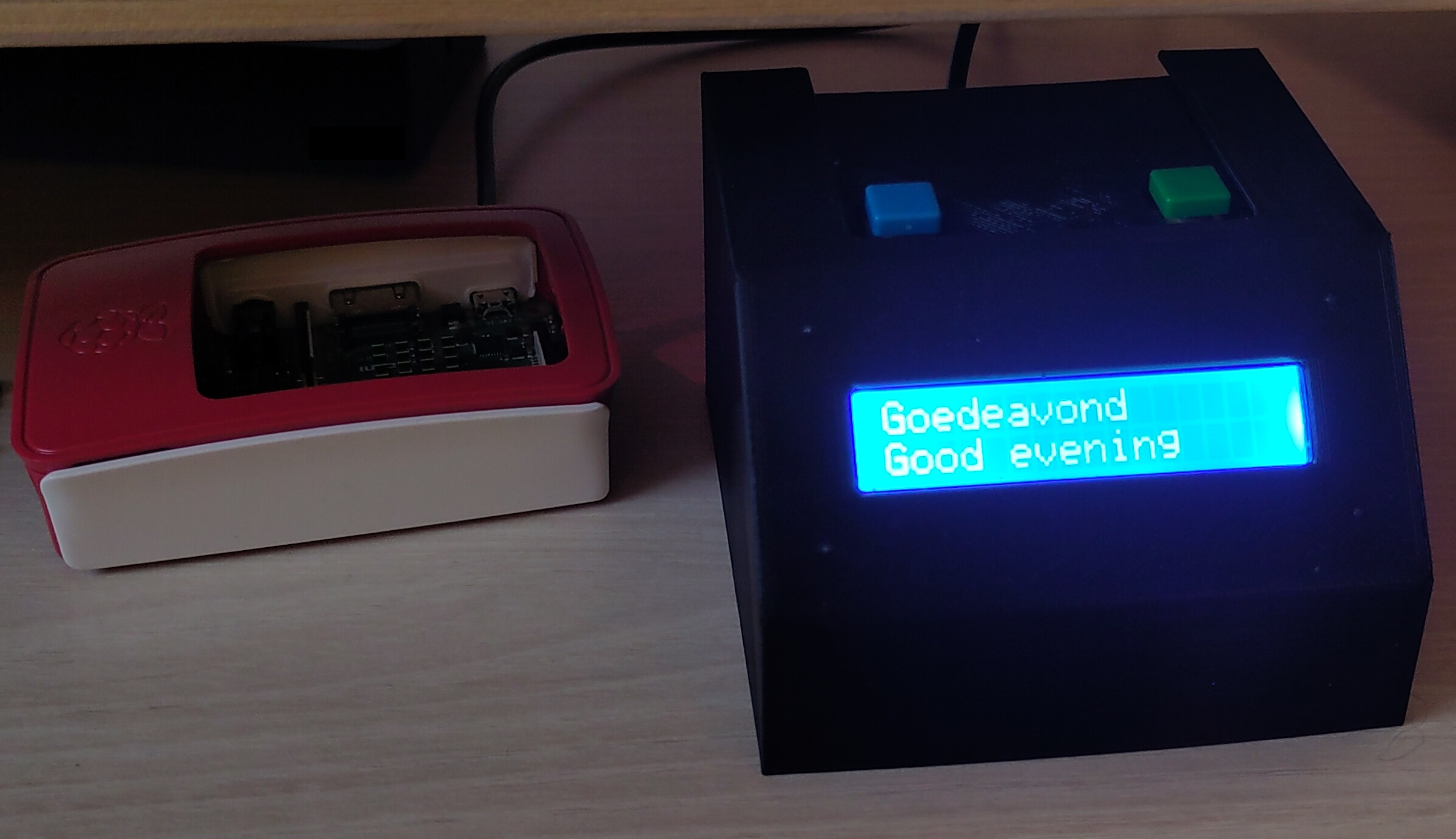
I also designed the housing. I based it on this model, with the addition of the buttons and a mounting point for a standard 5x7cm perf board. You can find my CAD here or get the STLs here.
Server
The server is built in python using flask and runs on a raspberry pi on my local network. It has a simple web server to add words and an api for the ESP32.
Web server
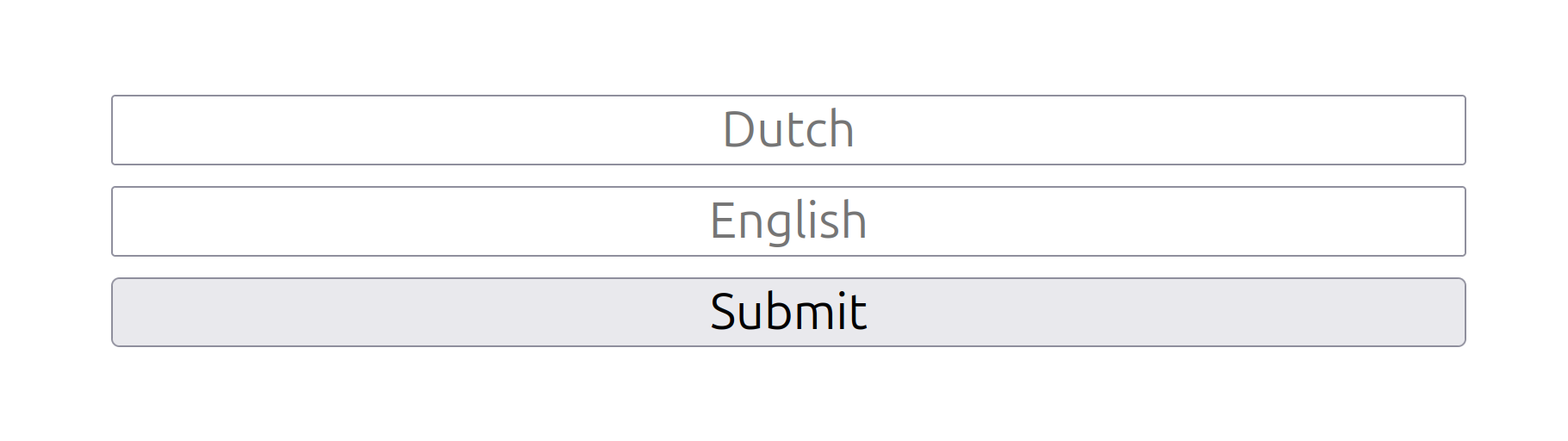
The web server has 2 pages. The first is an entry field to add new words to the database.
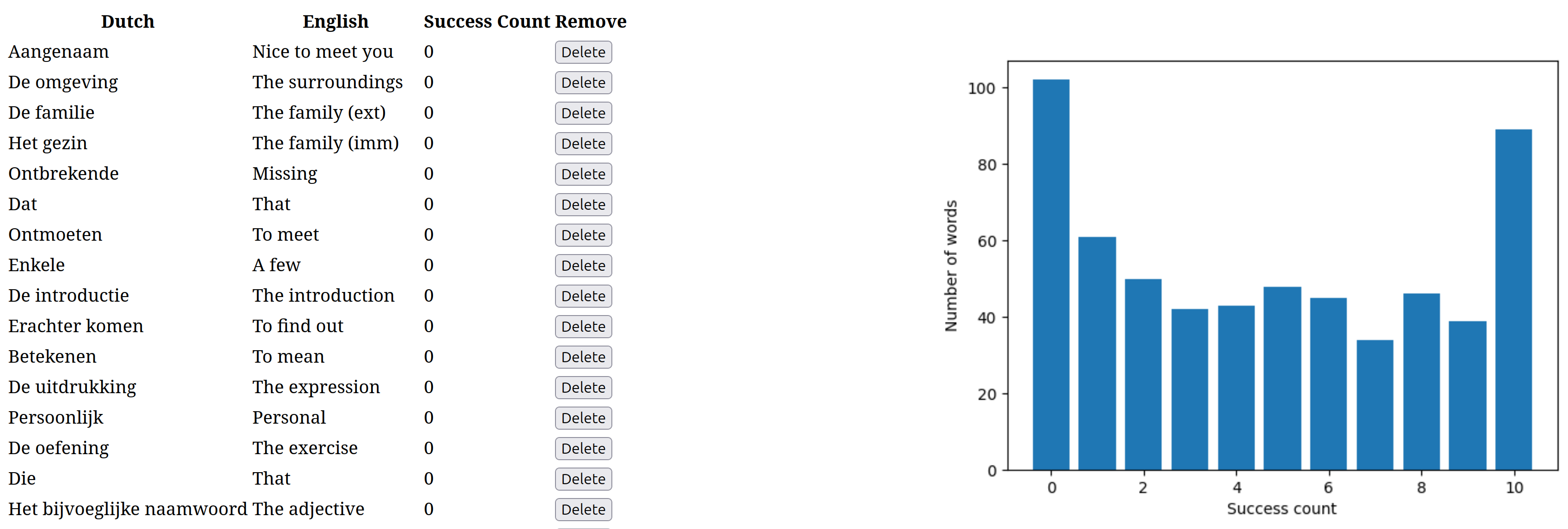
The second is a table to display the database and a delete buttons to remove entries. It also generates a histogram with the current success status of all the words in the database using matplotlib.
API
There are 3 API endpoints; random word, success, and delete word.
- Random word returns a random word from the database with it’s translation, in JSON format. Words above a success threshold set in the database are not selected. Currently this is 10 successes. I will probably increase this at some point or make it possible to select these words but with a lower chance than words below the threshold.
- Success receives a words and updates the success count for that word in the database.
- Delete removes a word from the database.